Overview
This article describes how to set up a Heartland Retail site to use the Zebra DS2278 Handheld Barcode Scanner.
Programming Setup Barcodes
To configure the scanner for use with Heartland Retail iOS devices, scan the two barcodes below: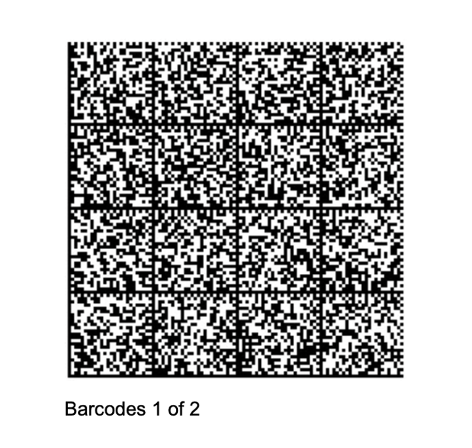

Pair the Scanner to the Device
- Once the Bluetooth interface is activated, press the button the scanner to begin pairing with the tablet or computer.
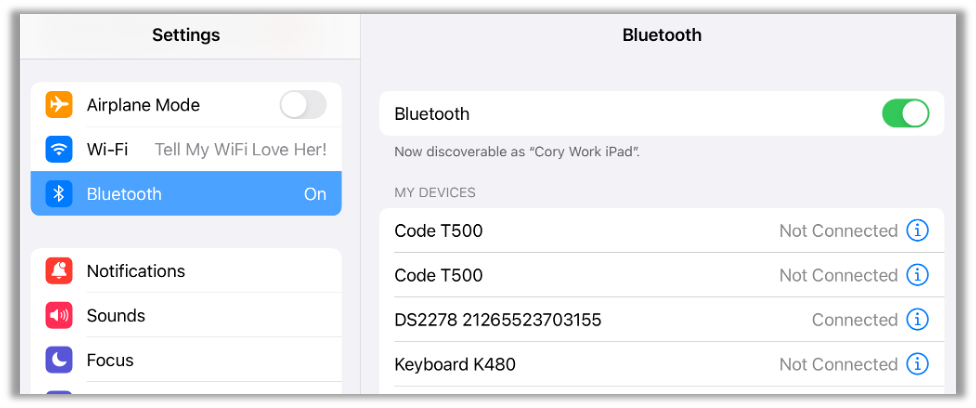
- On the tablet or computer, navigate to the Bluetooth settings and ensure that Bluetooth is on.
- Tap the device named “DS2278 xxxxxxxx” and verify that it displays as Connected before attempting to use with Heartland Retail.